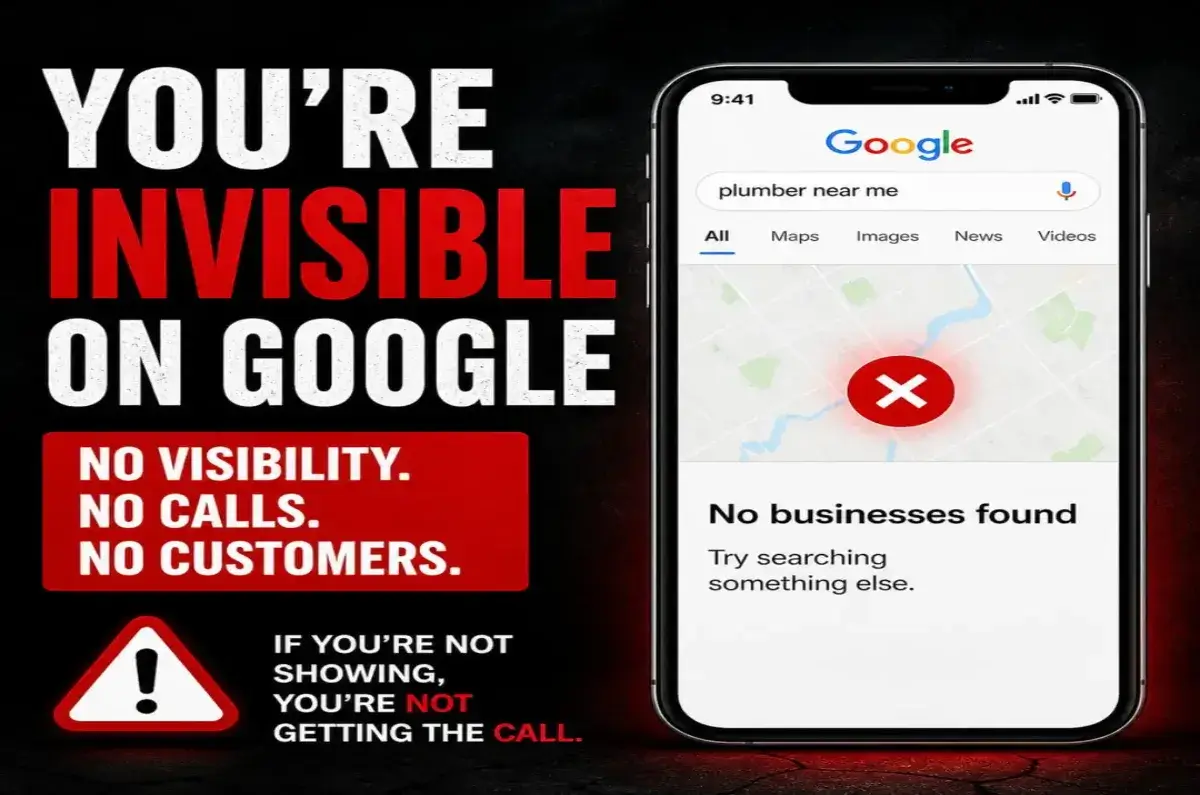
Business not showing on Google Maps? This is usually caused by Google Business Profile issues, missing verification, incorrect business information, weak local SEO signals, or low online authority. The good news is that most Google Maps visibility problems can be fixed with the right optimization strategy.
Quick Answer
If your business is not showing on Google Maps, it is usually due to one of these 3 issues:
- Google Business Profile not verified, suspended, or not fully optimized
- Incorrect or incomplete business information, services, categories, or service areas
- Weak local SEO signals, low authority, few reviews, or inconsistent online listings
Fixing these issues can help your business appear on Google Maps, rank higher in local search, and start getting more calls and customers.
Why Your Business Is Not Showing on Google Maps
Your business may not be showing on Google Maps because Google does not have enough clear, trusted, and consistent information about your business. This can happen when your Google Business Profile is incomplete, not verified, using the wrong category, missing important services, or not supported by strong local SEO.
Google needs to understand who you are, what you offer, where you serve customers, and why your business should be trusted over competitors.
3 Main Fixes for a Business Not Showing on Google Maps
To fix a business not showing on Google Maps, start with the three areas Google cares about most: your Google Business Profile setup, your local SEO trust signals, and your online business consistency.
Fix Your Google Business Profile Setup
Make sure your profile is verified, complete, active, and built with the right business category, services, service areas, description, photos, and website link.
Fix Your Business Information
Your business name, phone number, website, address or service area, hours, categories, and services must be accurate and consistent across the web.
Build Local SEO Authority
Google trusts businesses with strong reviews, local pages, citations, backlinks, helpful content, and active Google Business Profile updates.
Track Calls and Visibility
The goal is not just to appear on Google Maps. The real goal is more calls, more leads, and more paying customers from local search.
Fix 1: Correct Your Google Business Profile Information
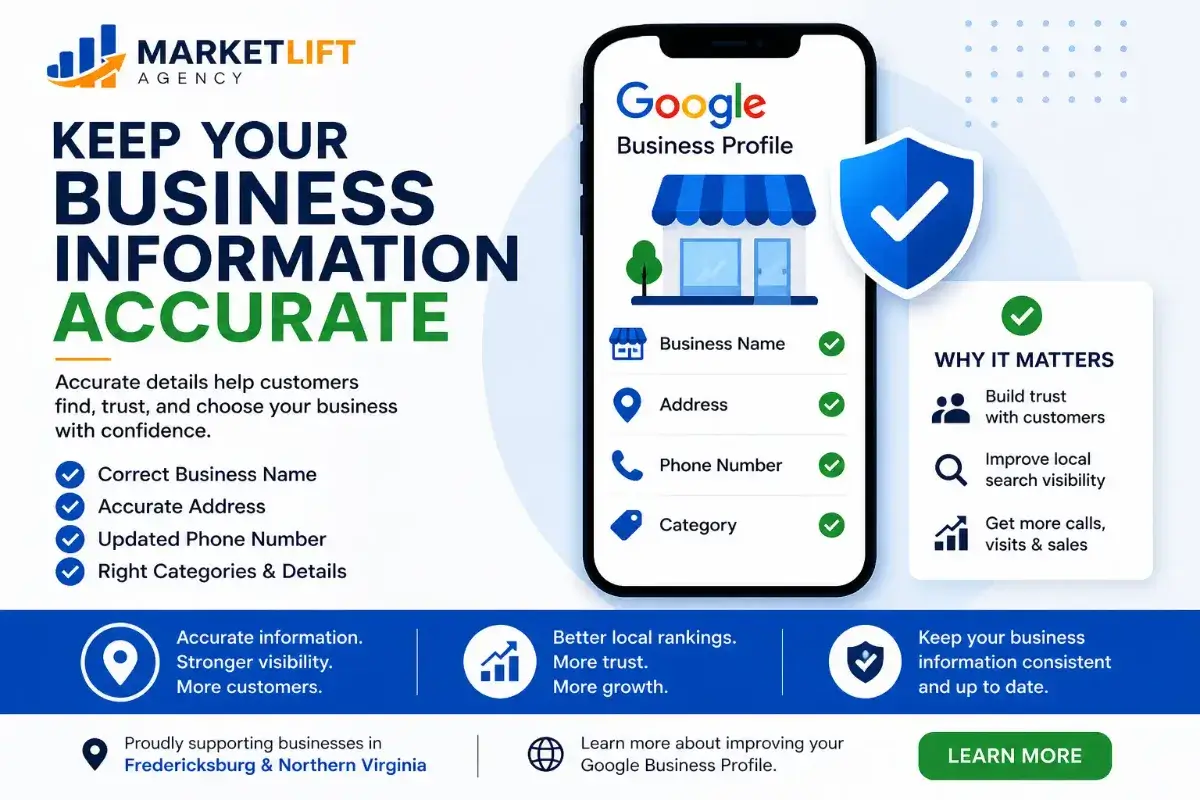
Incorrect business information is one of the most common reasons a business is not showing on Google Maps. Google wants accurate details before it shows your profile to local customers.
- Use the correct business name
- Add the correct phone number and website
- Choose the strongest primary category
- Add complete services and service areas
- Keep your information consistent across directories
Fix 2: Verify Your Google Business Profile
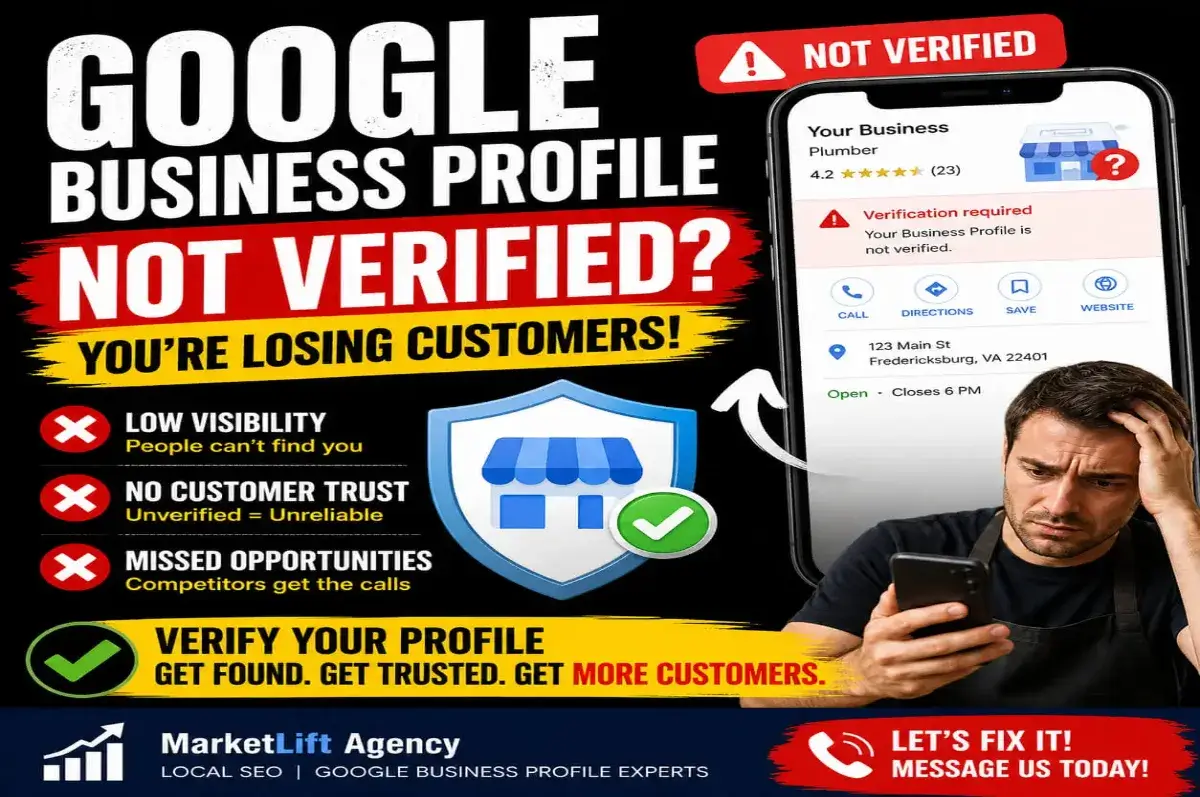
If your Google Business Profile is not verified, customers may not trust it and Google may limit how often it appears in Maps results. Verification helps prove that your business is real and eligible to appear for local searches.
For service-area businesses, contractors, home-based businesses, and local professionals, verification must be handled carefully so the profile follows Google guidelines.
Fix 3: Improve Local SEO Authority
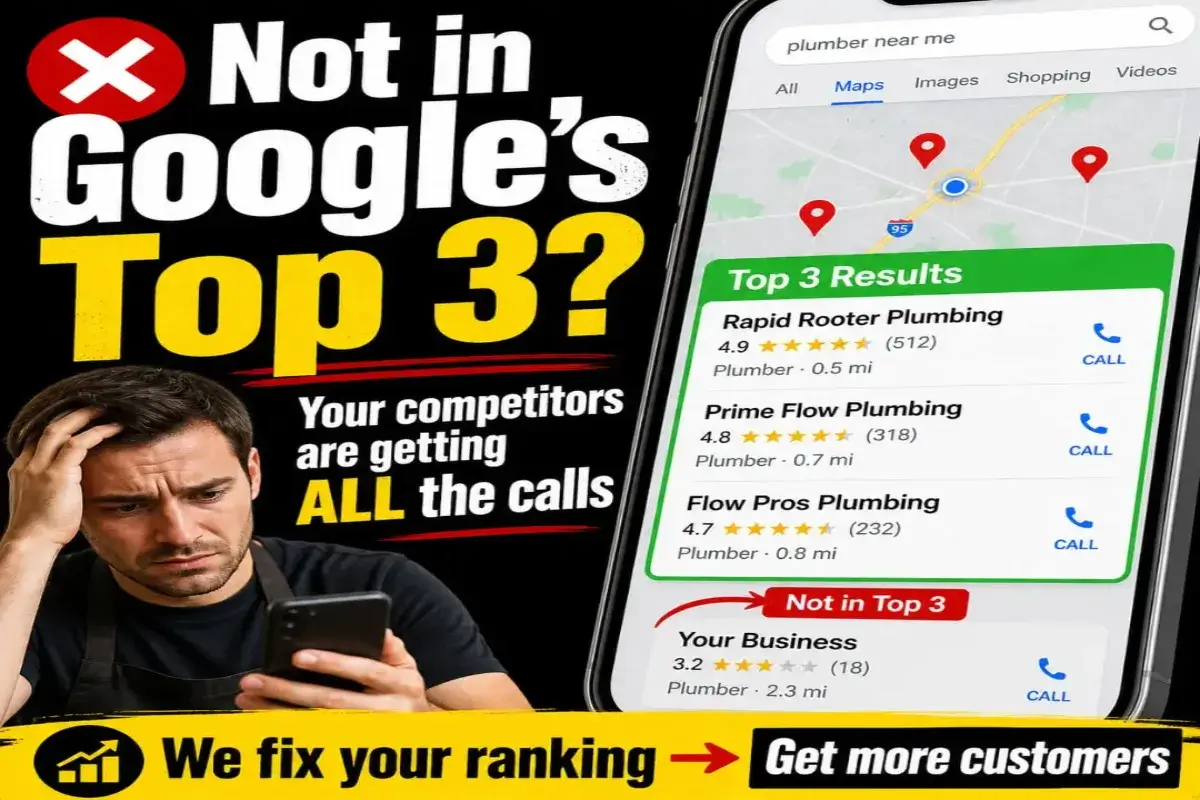
Sometimes your business is listed on Google, but it is not ranking high enough for customers to see it. If competitors have better reviews, stronger optimization, better website content, and more authority, they may appear above you.
- Get more real customer reviews
- Build stronger local service pages
- Add citations on trusted directories
- Publish helpful Google Business Profile posts
- Connect your website, profiles, and service pages together
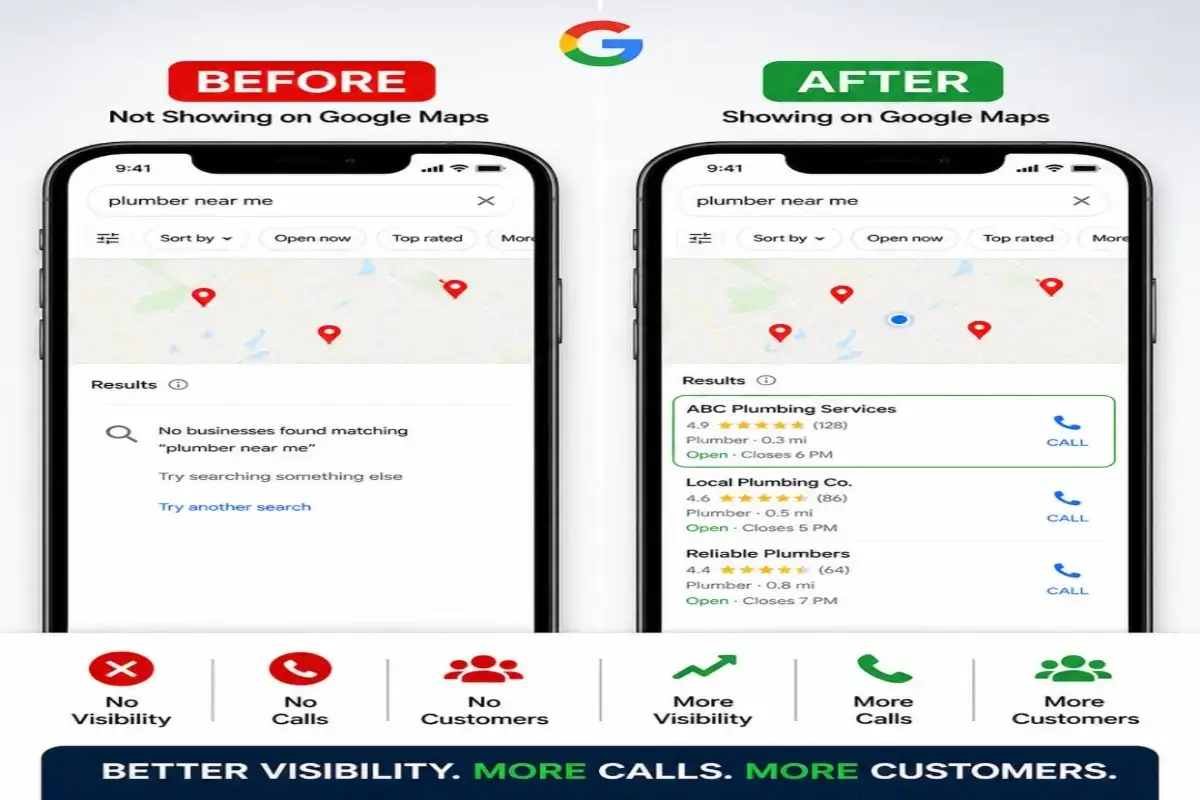
How to Fix Google Maps Visibility Problems
Fixing Google Maps visibility starts with a complete Google Business Profile and local SEO audit. You need to check profile setup, categories, services, service areas, reviews, photos, posts, website signals, citations, and authority.
- Verify your Google Business Profile correctly
- Optimize your primary and secondary categories
- Add complete services with keyword-rich descriptions
- Improve website content for your service area
- Build consistent citations on trusted directories
- Publish helpful content that answers customer questions
- Get more real reviews from customers
What If Your Google Business Profile Is Suspended?
A suspended Google Business Profile can stop your business from showing properly and can cost you calls, leads, and customers. Before appealing, you should fix business information, website consistency, category issues, address problems, and guideline risks.
If your profile is suspended or at risk, do not rush the appeal before checking the root cause. Fix the issue first, then submit a stronger appeal.
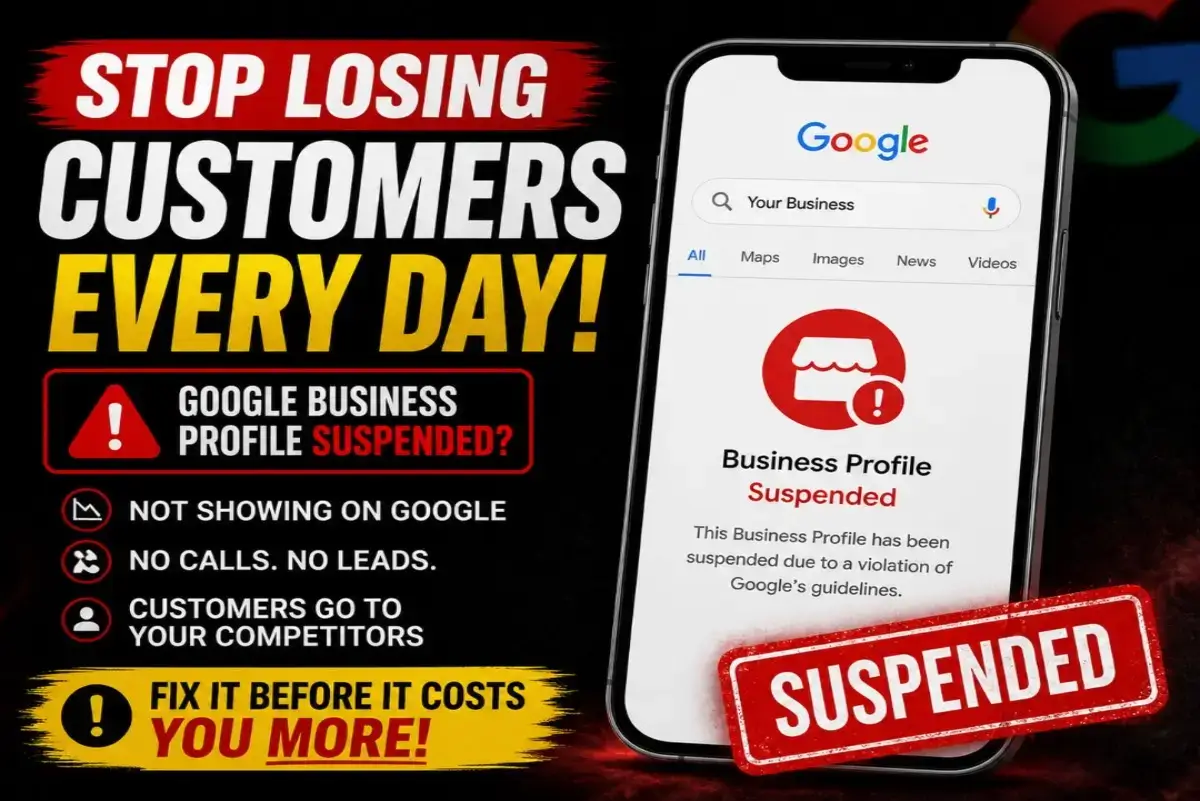
Why Google Maps Visibility Matters for Local Businesses
When people search for a service near them, they usually choose one of the businesses they see first on Google Maps. If your business is not showing, you may be losing calls, website visits, quote requests, and high-intent customers every day.
This is especially important for contractors, roofers, remodelers, HVAC companies, cleaning businesses, med spas, retail shops, restaurants, repair services, and local service businesses in competitive areas like Fredericksburg, Stafford, Spotsylvania, Fairfax, Loudoun, Arlington, and Northern Virginia.
Showing on Google Maps is not only about being listed. It is about being visible when customers are ready to call.
How MarketLift Agency Helps Fix Google Maps Visibility Problems
MarketLift Agency helps local businesses improve Google Maps visibility through Google Business Profile optimization, local SEO strategy, website content improvements, citation cleanup, review strategy, and authority building.
Google Profile Audit
We check categories, services, descriptions, photos, reviews, service areas, website links, and technical profile setup.
Local SEO Fixes
We improve website content, internal links, keywords, location signals, and service pages to support Maps ranking.
Authority Building
We help strengthen trust signals through citations, directory consistency, content, profile activity, and reviews.
More Calls & Leads
The goal is not only ranking. The real goal is more phone calls, leads, and paying customers from Google.
Is Your Business Not Showing on Google Maps?
Let MarketLift Agency review your Google Business Profile and show you what is missing, what is hurting visibility, and what needs to be fixed first.
Related Google Business Profile & Local SEO Services
Need help fixing your visibility? Start with our Google Business Profile Optimization Services.
If you need a full growth strategy, visit our Business Growth Services.
Want more local SEO guidance? Explore our Growth Insights or read more about Google Business Profile Optimization & Local SEO.
Frequently Asked Questions
Why is my business not showing on Google Maps?
Your business may not appear due to lack of verification, incorrect information, weak SEO, low authority, or Google Business Profile issues.
How long does it take to show on Google Maps?
It can take a few days to a few weeks depending on verification, profile optimization, competition, reviews, local SEO, and online authority.
How do I fix my Google Maps visibility?
You need to verify your profile, optimize your categories and services, correct your business information, build local SEO signals, and improve reviews and citations.
Can I rank in the top 3 on Google Maps?
Yes. With proper Google Business Profile optimization, strong local SEO, consistent listings, and real customer reviews, businesses can improve their chance of ranking in the top 3 results.
Can MarketLift Agency fix my Google Maps visibility?
Yes. MarketLift Agency helps businesses audit, optimize, and improve Google Business Profiles so they can increase visibility on Google Maps and generate more calls.