Google Business Profile suspended? Before you appeal, you need to fix the real cause first. Suspensions are often caused by address issues, business name problems, incorrect categories, guideline violations, website inconsistencies, or verification problems.
Quick Answer
If your Google Business Profile is suspended, fix these issues before submitting an appeal:
- Incorrect business name, address, phone number, or website
- Virtual office, fake address, or service-area setup problems
- Wrong category, risky profile edits, or guideline violations
- Website and directory information that does not match the profile
A stronger appeal starts with a clean profile, accurate business information, proof of legitimacy, and a clear explanation of what was fixed.
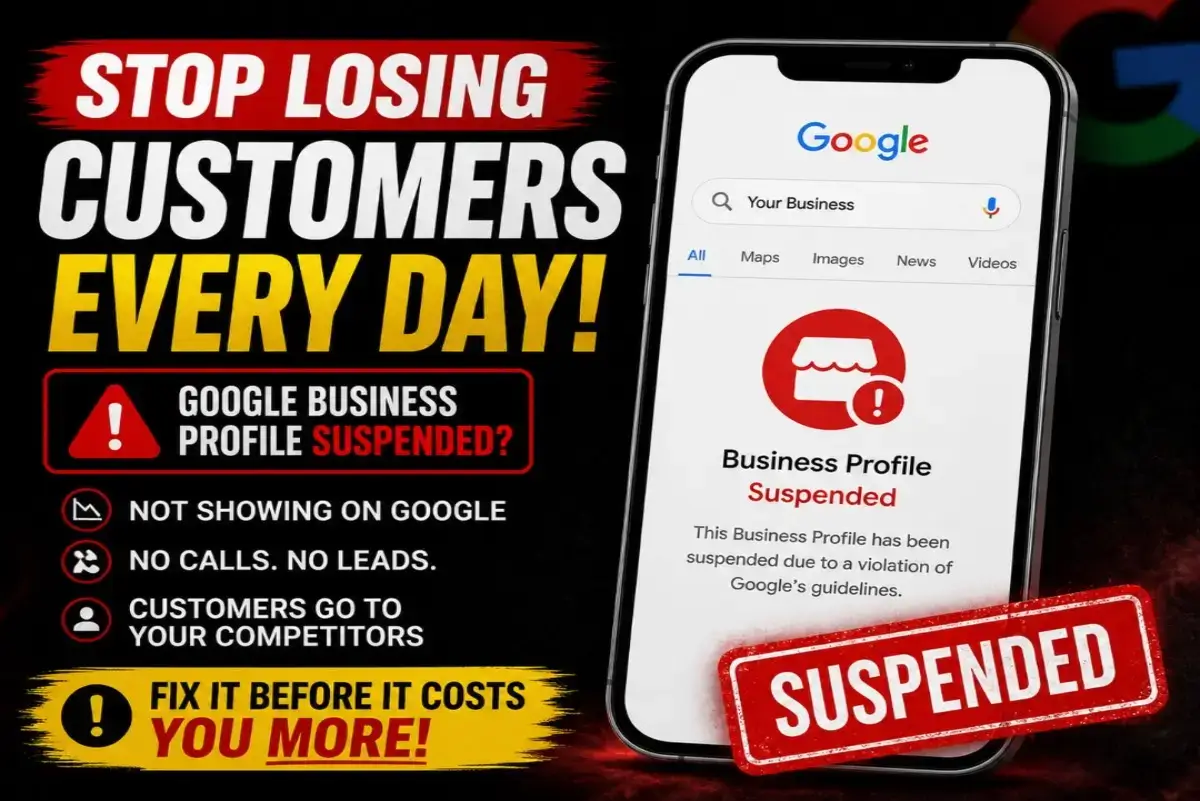
Why Your Google Business Profile May Be Suspended
A Google Business Profile suspension usually happens when Google detects information that may not match its business profile guidelines. The problem can be simple, like inconsistent business details, or serious, like a virtual office, fake address, misleading business name, or incorrect business category.
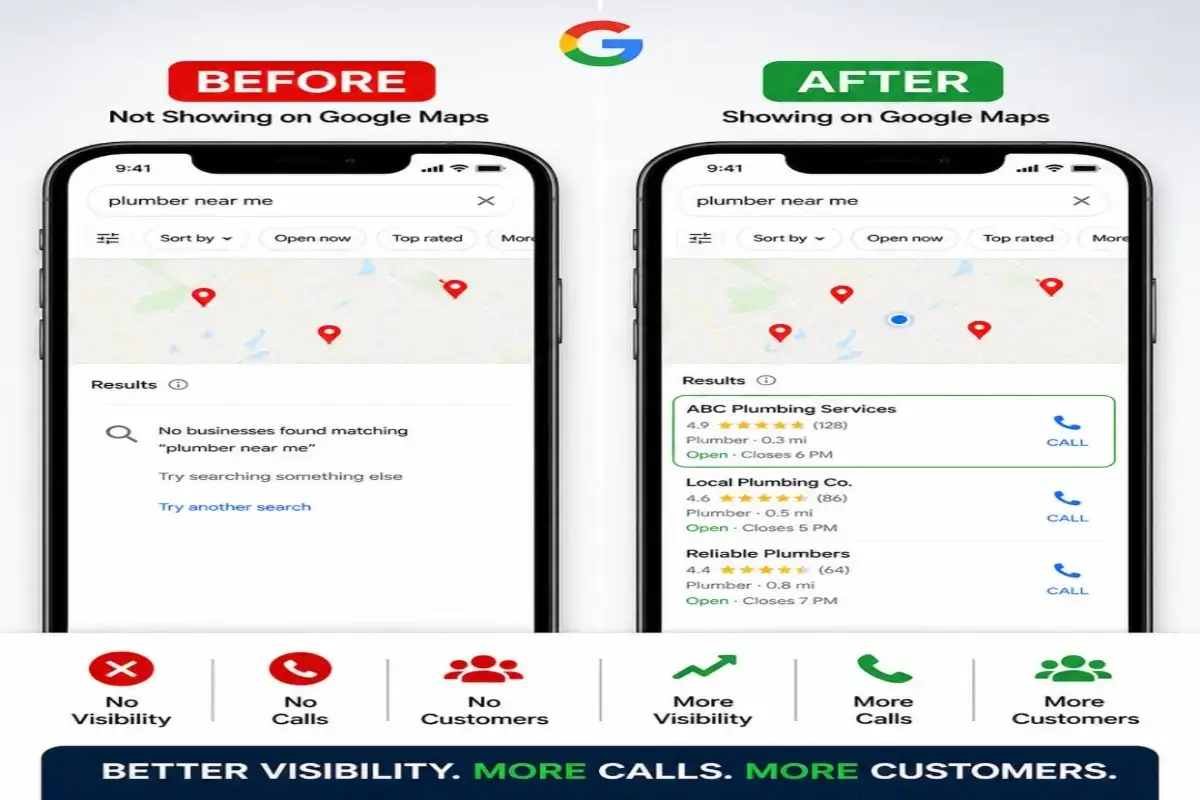
If your Google Business Profile is suspended, you may stop showing on Google Maps, lose calls, lose website visits, and lose customers who are ready to contact a local business.
What to Fix Before You Appeal a Suspended Google Business Profile
Before appealing a suspended Google Business Profile, check every detail that Google may use to verify your business. The goal is to make your business information clean, consistent, and easy to trust.
Fix Your Business Name
Use your real business name only. Do not add extra keywords, cities, services, or marketing phrases that are not part of your legal or real-world business name.
Fix Address or Service Area Issues
If you are a service-area business, make sure your setup follows Google rules. Do not use virtual offices, fake addresses, or locations where you cannot meet customers.
Fix Categories and Services
Choose the most accurate primary category and remove confusing or unrelated services that may make the profile look misleading.
Fix Website and Directory Consistency
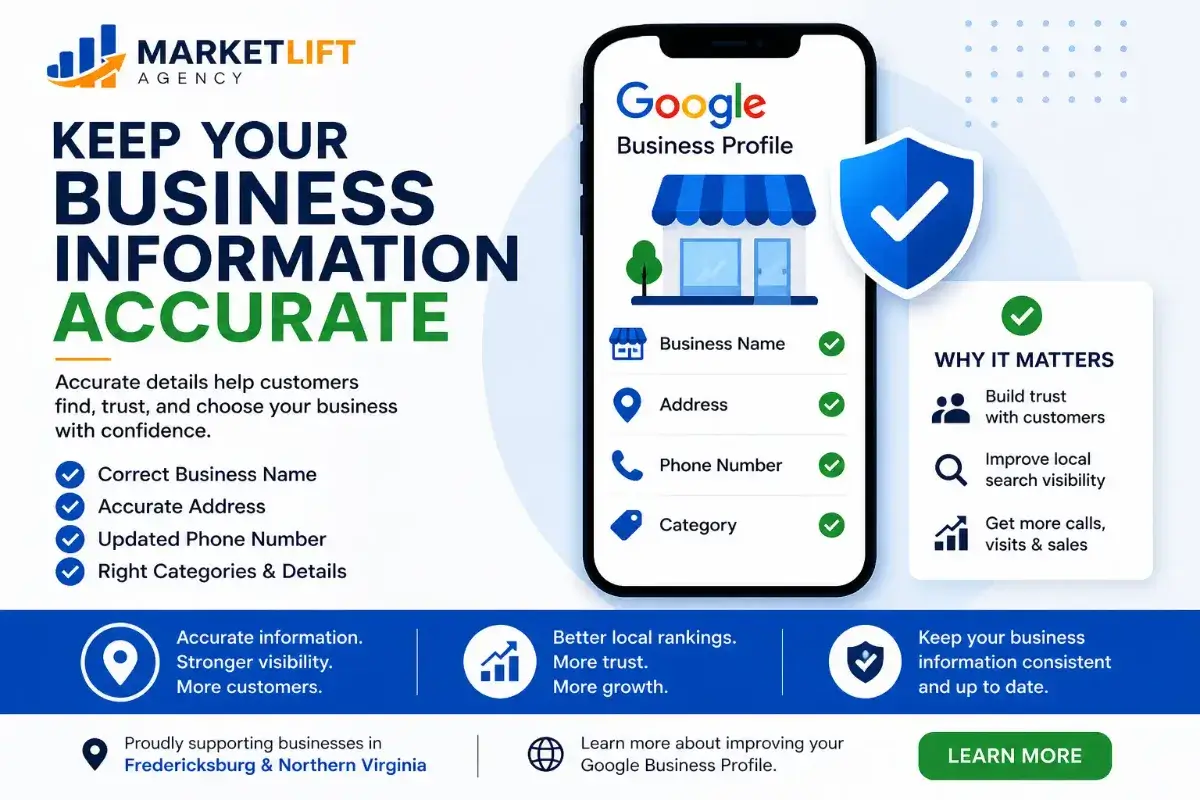
Your website, Google profile, social profiles, and directory listings should match your real business name, phone number, services, and location information.
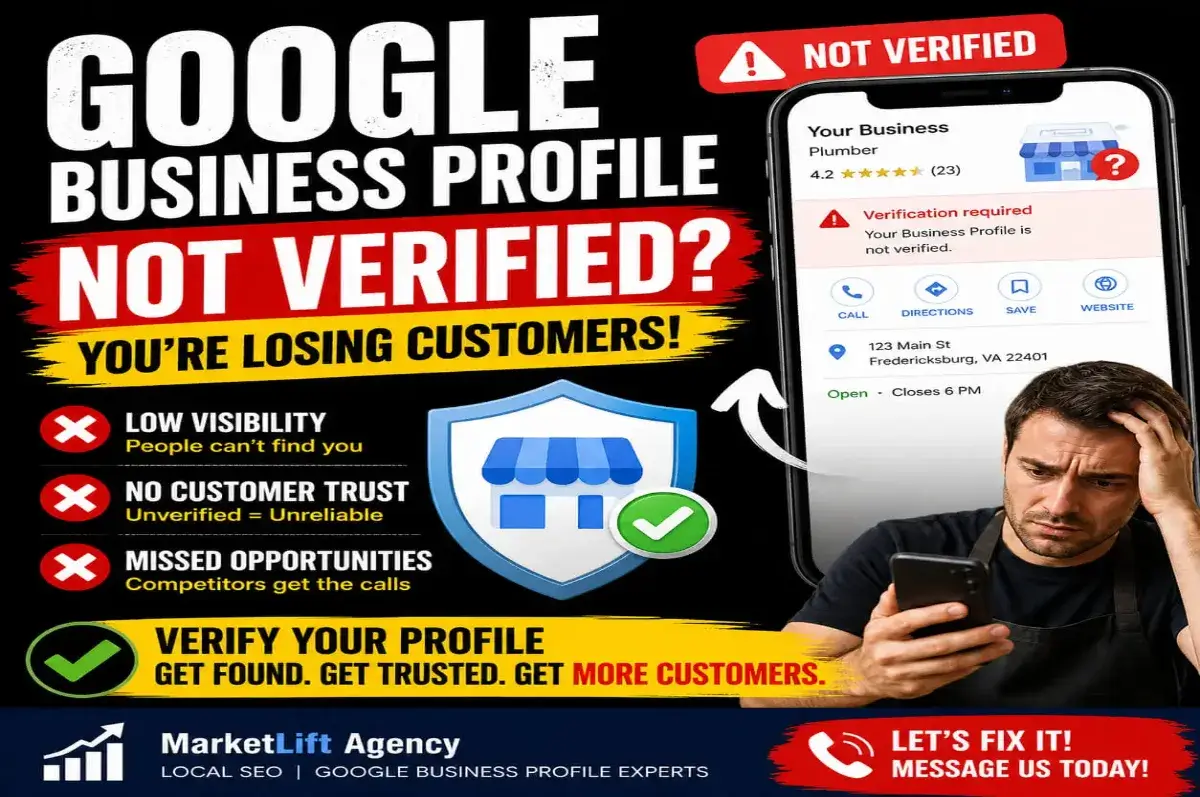
1. Check Verification Problems First
A suspended Google Business Profile can be connected to verification problems, recent changes, or missing proof that your business is legitimate. If Google cannot confirm your business, visibility can stop quickly.
- Confirm the correct business name
- Confirm the correct phone number
- Use a matching website and email
- Prepare business documents if needed
- Make sure service areas are accurate
2. Remove Risky Profile Information
Many suspensions happen because the profile looks over-optimized or misleading. Extra keywords in the business name, incorrect categories, fake locations, shared offices, and unsupported service areas can create risk.
Your profile should look like a real business profile, not a keyword-stuffed listing. Clean information builds trust with Google and with customers.
3. Match Your Website With Your Google Profile
Google may compare your profile details with your website and other online listings. If your website says one thing and your profile says another, it can weaken trust and make reinstatement harder.
- Match your business name
- Match your phone number
- Match your service area
- Match your main services
- Add clear contact information
- Use a professional business email if possible
What Proof Should You Prepare for a Google Business Profile Appeal?
A reinstatement request is stronger when you can show that your business is real and that your information is accurate. Depending on your business type, proof may include official business documents, utility bills, business license information, storefront photos, branded vehicle photos, or website contact information.
- Business registration or license
- Utility bill or official document showing business details
- Website matching your profile information
- Photos of signage, office, vehicle, or business proof
- Clear explanation of what was corrected
Google Business Profile Suspension Checklist
Use this checklist before submitting your Google Business Profile appeal. It can help reduce mistakes and make your reinstatement request stronger.
Business Name
Remove extra keywords, city names, service phrases, and anything not part of your real business name.
Address Setup
Use a real eligible address or correct service-area setup. Avoid virtual offices and unsupported locations.
Category Accuracy
Choose the closest category to your real business. Do not use unrelated categories just for ranking.
Website Consistency
Make sure your website matches the same business name, phone number, services, and location information.
Proof Documents
Prepare business proof before appealing so you can support your reinstatement request.
Appeal Carefully
Submit a clear appeal explaining what was corrected and why the profile now follows guidelines.
Need Help Before You Appeal?
MarketLift Agency can review your suspended Google Business Profile, identify risk issues, and help you prepare a stronger path before requesting reinstatement.
How MarketLift Agency Helps With Suspended Google Profiles
MarketLift Agency helps local businesses review Google Business Profile problems, clean up business information, improve local SEO signals, and prepare stronger visibility systems after profile issues are fixed.
Need full profile optimization? Visit our Google Business Profile Optimization Services.
Want to improve visibility after your profile is fixed? Read Business Not Showing on Google Maps.
Ready for help? Contact MarketLift Agency for a free profile review.
Frequently Asked Questions
Why was my Google Business Profile suspended?
Your Google Business Profile may be suspended because of business name issues, address problems, virtual office use, incorrect categories, suspicious edits, verification problems, or information that does not match Google guidelines.
Should I appeal my suspended Google Business Profile right away?
No. It is usually better to check and fix the possible cause before appealing. A rushed appeal with unresolved issues can make reinstatement harder.
What should I fix before a Google Business Profile appeal?
Fix your business name, address or service area, phone number, website, category, services, business documents, and online listing consistency before submitting the appeal.
Can a service-area business get suspended?
Yes. Service-area businesses can be suspended if they use an incorrect address, virtual office, fake location, or profile setup that does not follow Google Business Profile guidelines.
Can MarketLift Agency help with a suspended Google Business Profile?
Yes. MarketLift Agency can review your profile, identify possible suspension risks, help clean up business information, and guide you on what to fix before submitting an appeal.