7 Powerful Fixes for Google Business Profile Not Verified Issues
Google Business Profile not verified problems can seriously hurt your local visibility, Google Maps ranking, and customer trust. If your business is not verified, customers may not find you when they search for your services nearby.
Get a Free Google Profile Audit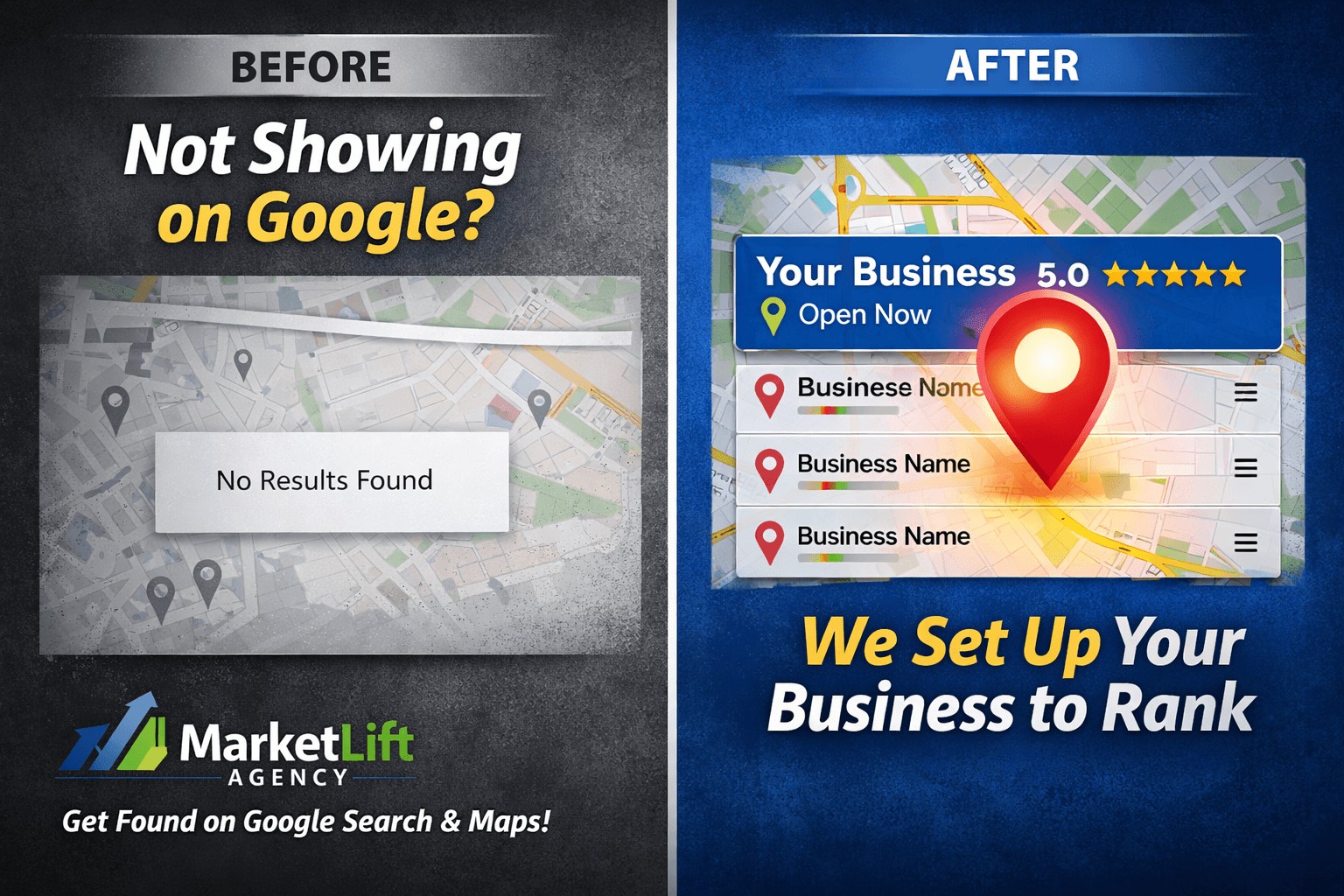
Why Google Business Profile Not Verified Problems Happen
A Google Business Profile not verified issue usually means Google does not yet trust the information connected to your business. This can happen to new businesses, service-area businesses, contractors, local shops, home-based businesses, or companies with inconsistent online listings.
Google wants to confirm that your business is real, located where you say it is, and eligible to appear on Google Search and Google Maps. If your profile, website, phone number, business category, or address information does not match across the internet, verification can become delayed or rejected.
Common reasons your profile is not verified
- Your business name does not match your website or legal information.
- Your phone number appears differently across listings.
- Your address or service area looks suspicious to Google.
- Your website does not clearly show your business services.
- You selected the wrong business category.
- You have a duplicate or old Google Business Profile.
- Your video verification does not clearly prove the business.
How to Fix Google Business Profile Not Verified Issues
The first step is to make your business information consistent. Your website, Google profile, Facebook page, LinkedIn page, local directories, and business citations should use the same business name, phone number, website, and service area information.
1. Check your business name
Use your real business name only. Avoid adding extra keywords, locations, or services unless they are part of your official business name.
2. Match your phone number and website
Your Google profile should use the same phone number and website shown on your official website. For MarketLift Agency, the correct phone number is 540-642-7789.
3. Strengthen your website trust signals
Your website should clearly show your services, location, contact information, about page, privacy policy, and helpful service pages. This helps Google connect your profile with a real business entity.
Helpful related page: Google Business Profile Optimization Services.
4. Review Google’s official guidelines
You can also review Google’s official business profile help documentation here: Google Business Profile Help Center.
Improve Google Maps Visibility After Verification
Getting verified is only the first step. After verification, your business still needs local SEO optimization to rank higher on Google Maps. This includes services, categories, descriptions, photos, reviews, website signals, and consistent posting.
If your business is verified but still not showing properly, visit our guide on business growth services or request help through our contact page.
Local SEO Tips for Better Google Rankings
To improve your Google Maps ranking, your business profile should be complete, accurate, active, and connected to a strong website. Google looks for trust, relevance, distance, and authority when deciding which businesses to show.
- Add accurate services and business categories.
- Upload real business photos regularly.
- Post helpful Google updates weekly.
- Ask real customers for honest reviews.
- Build strong service pages on your website.
- Use consistent business information across directories.
Need Help Fixing a Google Business Profile Not Verified Issue?
MarketLift Agency helps local businesses in Fredericksburg, Northern Virginia, and surrounding areas improve Google Business Profile setup, local SEO structure, Google Maps visibility, and customer lead growth.
Book a Free Strategy CallFAQs About Google Business Profile Not Verified Issues
Why is my Google Business Profile not verified?
Your profile may not be verified because Google needs stronger proof that your business is real, eligible, and accurately represented online.
Can I rank on Google Maps without verification?
No. A business usually needs verification before it can fully appear and compete properly on Google Maps.
How long does Google Business Profile verification take?
Verification time depends on the method Google gives you. Some profiles verify quickly, while others require postcard, phone, email, or video verification.
Can MarketLift Agency help fix verification problems?
Yes. MarketLift Agency helps businesses review profile issues, improve trust signals, clean up business information, and strengthen local SEO structure.